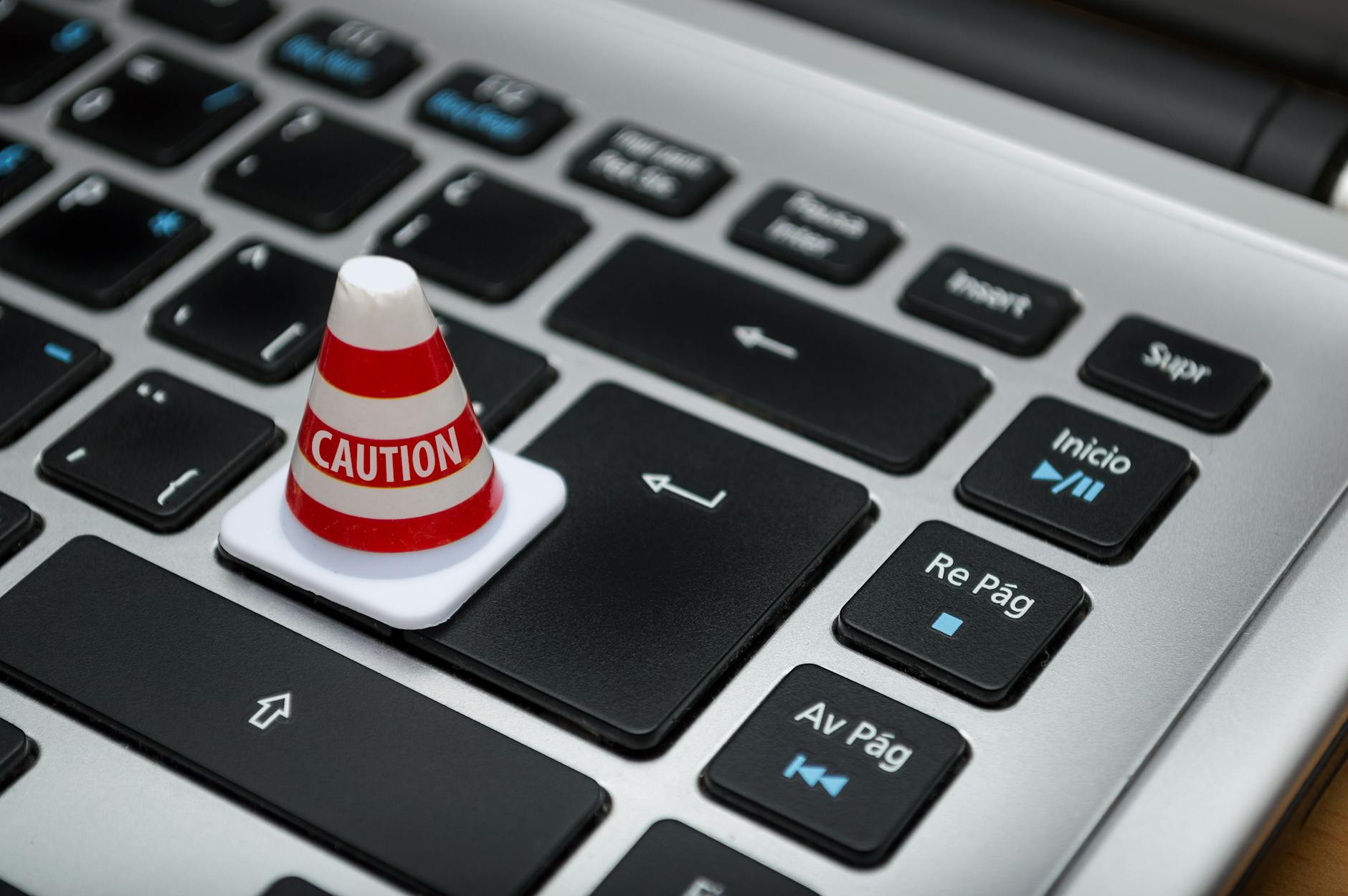
We live dual lives. One unfolds in the tangible world – the warmth of the sun, the grip of a handshake, the scent of coffee brewing. The other thrives in the digital realm – the ping of a notification, the glow of a screen, the vast interconnectedness of the online universe. While society has spent generations teaching us to nurture our physical selves, our digital life has surged forward, becoming equally vital. It’s where we bank, connect, learn, work, and store precious memories.
Yet, here’s the paradox: we often lavish attention on our physical well-being while leaving our digital selves dangerously exposed. It’s in our digital life that we are often most vulnerable. Think about it – a locked door protects your home, but what guards your online identity, finances, and reputation?
The answer lies in Cyber Hygiene. Just as brushing your teeth prevents cavities, cyber hygiene involves consistent, simple practices to protect your digital life and maintain online security. It’s not about being a tech expert; it’s about building smart habits. Let’s dive into three foundational pillars:
🔐 1. Fort Knox Your Accounts: Mastering Passwords & Multi-Factor Authentication (MFA)
Think of your password as the key to your digital front door. A flimsy key (like “password123” or your pet’s name) is easy to pick. A strong password is your first, crucial line of defense.
- What Makes a Password Strong?
- Long: Aim for at least 12-15 characters (longer is better!).
- Complex: Mix uppercase (A-Z), lowercase (a-z), numbers (0-9), and symbols (!, @, #, $, %).
- Unpredictable: Avoid dictionary words, personal info (birthdays, names), or common sequences (12345, qwerty). Use a random phrase or a password generator.
- Password Management: Don’t Put All Your Eggs in One Basket
- The Cardinal Sin: Password Reuse. Using the same password everywhere is like using one key for your house, car, office, and safety deposit box. If one lock is breached, everything is compromised.
- The Saviour: Password Managers. These secure vaults (like Bitwarden, 1Password, KeePass) generate, store, and autofill strong, unique passwords for every account you have. They encrypt your data and only require you to remember one master password. Embrace them!
- The Ultimate Shield: Multi-Factor Authentication (MFA/2FA)
- What it is: MFA adds extra layers of security beyond your password. To log in, you need to provide two or more verification factors:
- Something you know: Your password.
- Something you have: Your phone (for a text/authenticator app code), a physical security key.
- Something you are: Fingerprint, facial recognition.
- (Less common: Somewhere you are – location data).
- Why it’s Essential: Even if a hacker steals your password, they likely won’t have your physical phone or fingerprint. Enable MFA on every account that offers it, especially email, banking, and social media.
- What it is: MFA adds extra layers of security beyond your password. To log in, you need to provide two or more verification factors:
📩 2. Navigating the Digital Communication Stream: Emails, Messages & Notifications Safely
Our inboxes, chat apps, and notification centers are the bustling highways of our digital lives. They’re also prime hunting grounds for cybercriminals.
- Know Your Channels:
- Emails: Formal electronic messages, often used for official communication, newsletters, and (unfortunately) phishing scams.
- Messages (SMS/Instant Messaging): Shorter, real-time text exchanges (WhatsApp, Signal, SMS). Can be exploited for scams and malicious links.
- Notifications: Alerts from apps, devices, or services about events, updates, or reminders. Malicious pop-ups can mimic these.
- Staying Safe in the Stream:
- Deploy Your Defenses: Use built-in email filters and anti-phishing tools provided by your email service (like Gmail or Outlook). These help flag suspicious senders and content.
- Phishing is the Bait: Recognize the Hook! Phishing emails/messages impersonate trusted sources (your bank, Amazon, Netflix, even colleagues or friends!) to trick you into:
- Clicking malicious links (leading to fake login pages or malware downloads).
- Downloading infected attachments.
- Revealing passwords or sensitive info.
- Think Before You Click: Avoid clicking links or downloading attachments from unsolicited or suspicious emails and messages. Hover over links (without clicking!) to see the real destination URL – does it look odd or mismatched?
- Beware the Urgent Plea: Be extremely wary of unsolicited messages or notifications claiming emergencies (“Your friend is stranded, send money here!”), account suspensions, or too-good-to-be-true offers. This is classic social engineering – manipulating your emotions to bypass logic. Verify through a separate, trusted channel (e.g., call your friend directly).
🦠 3. Your Digital Immune System: Antivirus & Anti-Malware
Just as our bodies need protection from viruses, our devices need shielding from malicious software.
- The Threat: Malware & Viruses
- Malware (Malicious Software): An umbrella term for any software designed to harm, disrupt, or gain unauthorized access to systems (includes viruses, ransomware, spyware, trojans).
- Virus: A specific type of malware that attaches itself to clean files and spreads, often requiring user action (like opening an infected file) to activate.
- Your Digital Bodyguard: Anti-Malware & Antivirus Software
These tools (like Bitdefender, Norton, Malwarebytes, Windows Defender) actively scan for, block, and remove malicious software. - Keeping Your Guard Up:
- Update Relentlessly: Enable automatic updates for your antivirus/anti-malware software and your operating system (Windows, macOS, iOS, Android). Updates patch critical security holes.
- Real-Time is Real Protection: Keep real-time scanning enabled. This 24/7 monitoring catches threats the moment they try to land.
- Schedule Deep Cleans: Run full system scans weekly to catch anything lurking in the shadows.
- Safe Habits are the Best Defense: Your software is only as good as your behavior. Avoid downloading files from untrustworthy sites, don’t open suspicious attachments, and steer clear of sketchy websites.
🎯 Guard Your Digital Legacy
It takes years to build a life – your reputation, your relationships, your finances, your memories. In our hyper-connected world, a significant part of that life exists digitally. And it can take mere minutes for a single lapse in digital hygiene to cause devastating damage. Cyber threats are not science fiction; they are a daily, pervasive reality.
Prioritizing your cyber hygiene isn’t about paranoia; it’s about responsibility and self-preservation in the 21st century. By implementing these three core practices – mastering passwords & MFA, navigating communications safely, and maintaining robust antivirus protection – you build resilience. You actively protect the digital “you” with the same diligence you protect the physical you.
Start today. Secure your keys, scrutinize your messages, update your defenses. Your digital life – and the real life it supports – depends on it.
 Tkc Notes